
Loading...
Loading...
Compress, resize, convert and edit your files and text online — 100% free, no signup required.
Popular tools:
Government portals, exams and job applications enforce strict photo limits. Set a target size in kilobytes and WebAuzar adjusts quality automatically — no trial and error with a slider.
photo.jpg · 812 KB
photo.jpg · 48 KB
Combine invoices into one document, split a report into pages, password-protect a sensitive file, or pull every embedded image out of a PDF in its original quality — all in a few clicks.
WebP is 25–35% smaller than JPG or PNG at the same visual quality. Convert your product photos, banners and blog images — including AVIF and HEIC from newer phones and cameras — in seconds for faster page loads.
Same quality, 70% lighter — faster page loads.
Paste any text to get a live word and character count, compare two versions side-by-side, convert case, generate URL slugs, or strip duplicate lines — no file needed at all.
Every tool runs locally using your browser. There's no upload queue, no third-party storage, and nothing to log — the file or text that never leaves your device can never be exposed.
22 focused tools. All free and processed on your device.
Convert JPG images to PNG format with transparency
Convert PNG images to JPG format
Convert JPG to WebP for smaller file sizes
Convert PNG to WebP while preserving transparency
Convert WebP images to JPG format
Convert WebP to PNG for maximum compatibility
Convert modern AVIF images to universal JPG format
Convert AVIF images to PNG with transparency support
Convert iPhone HEIC photos to widely supported JPG
Convert scalable SVG vector graphics to PNG images
Convert PNG images into ICO icon files
Reduce image file size while maintaining quality
Change image dimensions by pixels or percentage
Crop images with custom aspect ratios
Convert images to PDF documents
Rotate images clockwise or counterclockwise
Flip images horizontally or vertically
Add text or image watermarks to photos
Add borders and frames to images
Apply adjustable blur effects to your images
Enhance clarity and sharpen fine image details
Generate custom QR codes for URLs, text and more
9 essential PDF tools. Merge, split, compress, protect and convert.
Combine multiple PDFs into one document
Separate PDF pages into individual files
Delete specific pages from a PDF document
Drag and drop to rearrange PDF page order
Reduce PDF file size without losing quality
Add password protection to a PDF document
Remove password protection from a PDF
Convert PDF documents into editable Word files
Extract all embedded images from PDF files
6 free text tools. Count, compare, transform and clean up — no upload needed, just paste.
Count words, characters, sentences, paragraphs and reading time
Compare two texts side-by-side and highlight differences
Convert text to UPPERCASE, lowercase, Title Case & more
Turn any title into a clean, URL-friendly slug
Instantly remove duplicate lines from any list
Generate placeholder text by words, sentences or paragraphs
Files and text are processed locally in your browser and never uploaded to any server.
No installation — works instantly on any device with a modern browser.
Results in seconds — no upload queues or server wait times.
Use every tool instantly without an account or an email address.
No hidden charges, no premium tiers, no watermarks.
Upload and process multiple files at once instead of one at a time.
Download all your processed files together in a single archive.
Fully responsive on Android, iPhone, tablets and desktops alike.
Resize photos and compress files for admission forms, assignments and online applications.
Convert and compress images to WebP, diff config files, and generate slugs for routes.
Optimize featured images, count words for SEO, and generate clean URL slugs for posts.
Quickly convert, crop and export assets between formats without opening heavy design software.
Prepare product photos, merge invoices, and clean up spreadsheet or list data.
Meet exact photo and signature size limits for UPSC, SSC, IBPS, Railway and other exam forms.
The most common photo format — efficient lossy compression for photographs.
Identical to JPG under a different extension, produced by most cameras and phones.
A lossless format with transparency support, best for logos, icons and screenshots.
25–35% smaller than JPG at similar quality — ideal for fast-loading websites.
A next-gen format with excellent compression, increasingly used by cameras and apps.
Apple's default iPhone photo format — convert it to JPG for wider compatibility.
The standard document format for merging, splitting, compressing and extraction.
Plain text — paste directly into any text tool, no file upload needed.
Pick from the available image, PDF and text tools. Each does one job well.
Drag and drop, click to select, or paste directly. Everything is processed locally — never sent to a server.
Download individual files, all results as a ZIP, or copy the result. No account, no watermarks.
Indian government portals, universities, and job applications have strict photo size limits. WebAuzar makes it easy — free and instant.
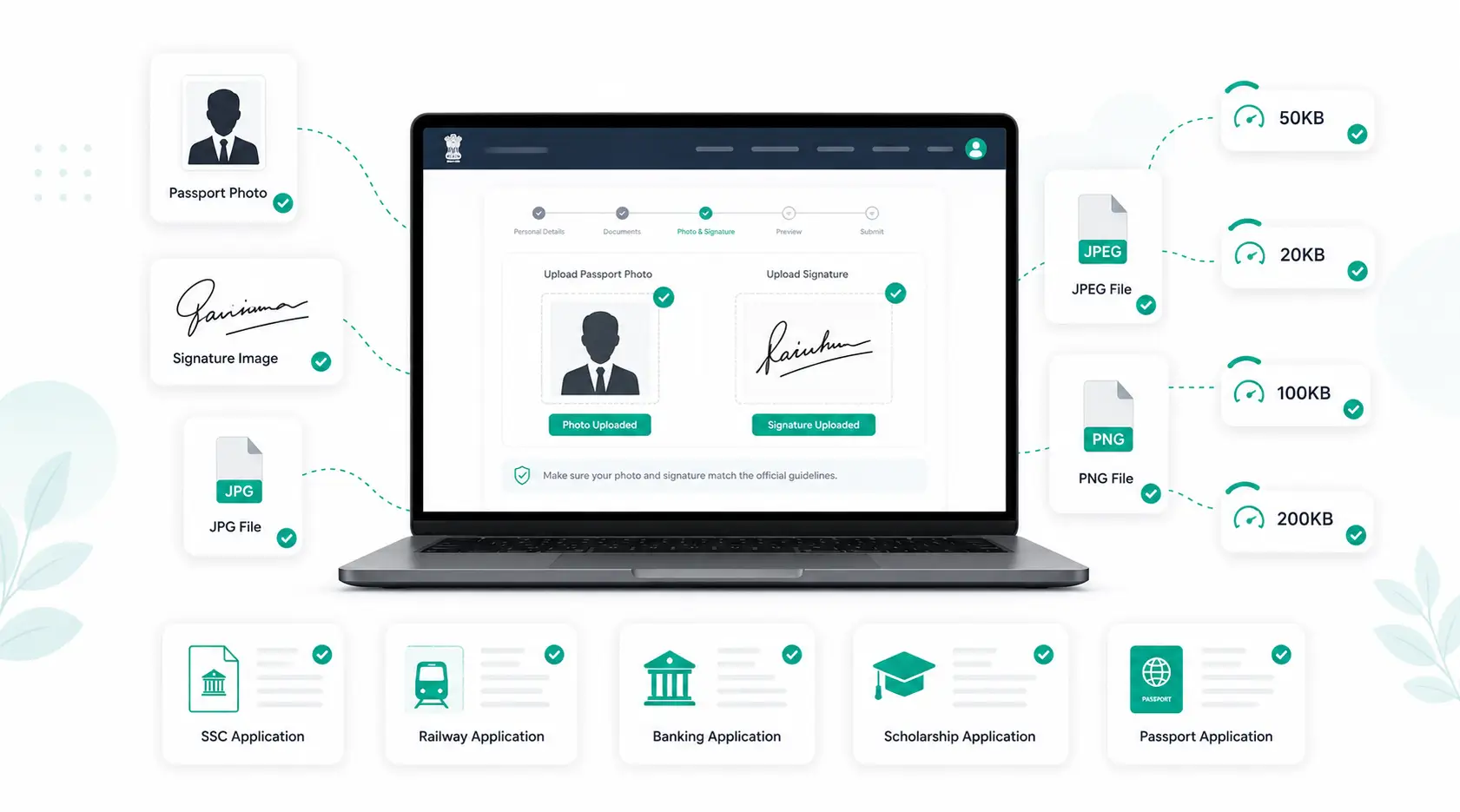
Photo and signature size, dimensions and format requirements for SSC, Railway, Banking, UPSC, Passport and Scholarship portals — plus common upload errors and fixes.
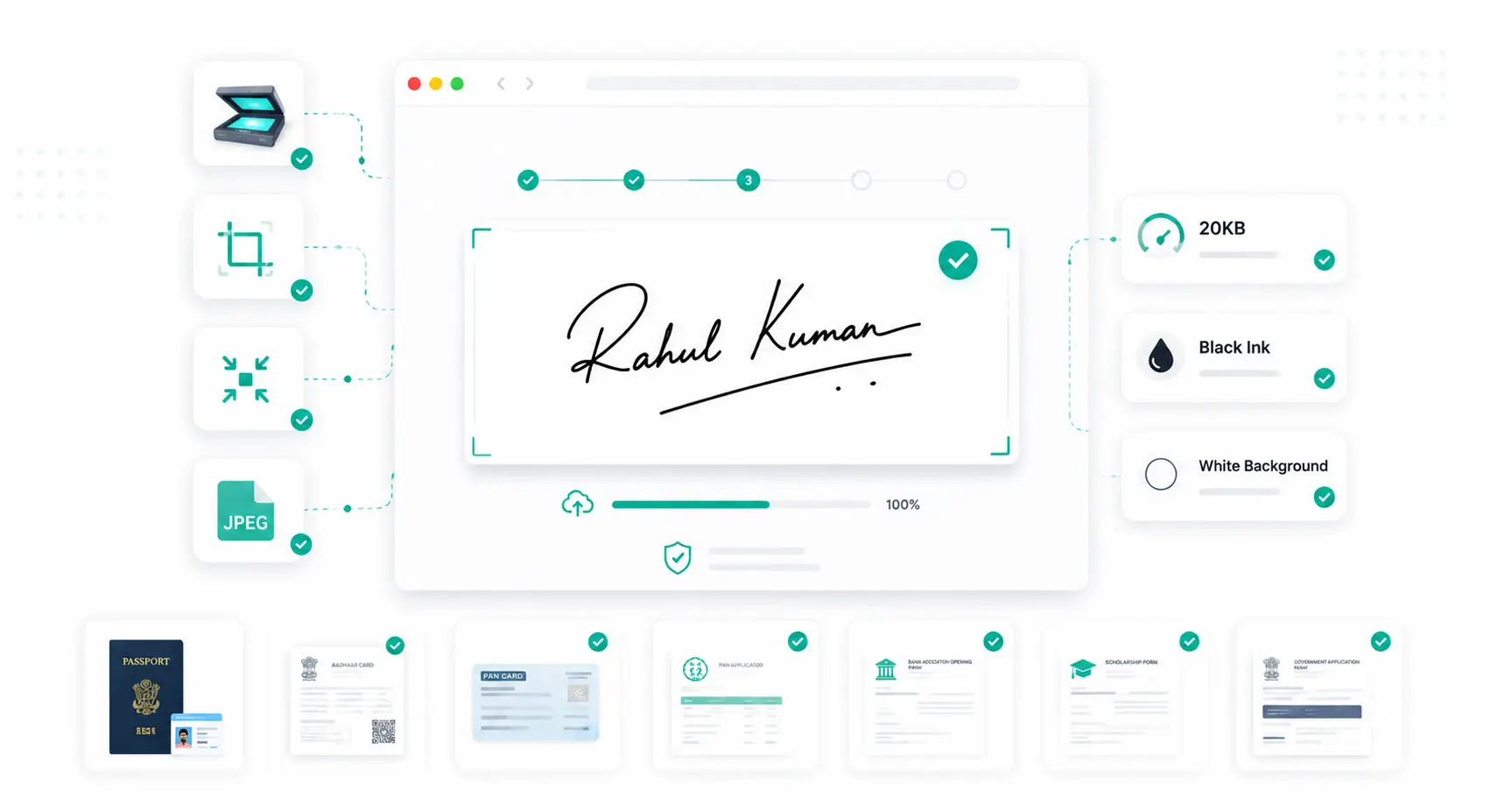
How to prepare a scanned signature for SSC, Railway, Banking, UPSC, NEET and JEE forms — dimensions, ink and paper, DPI, cropping and troubleshooting.
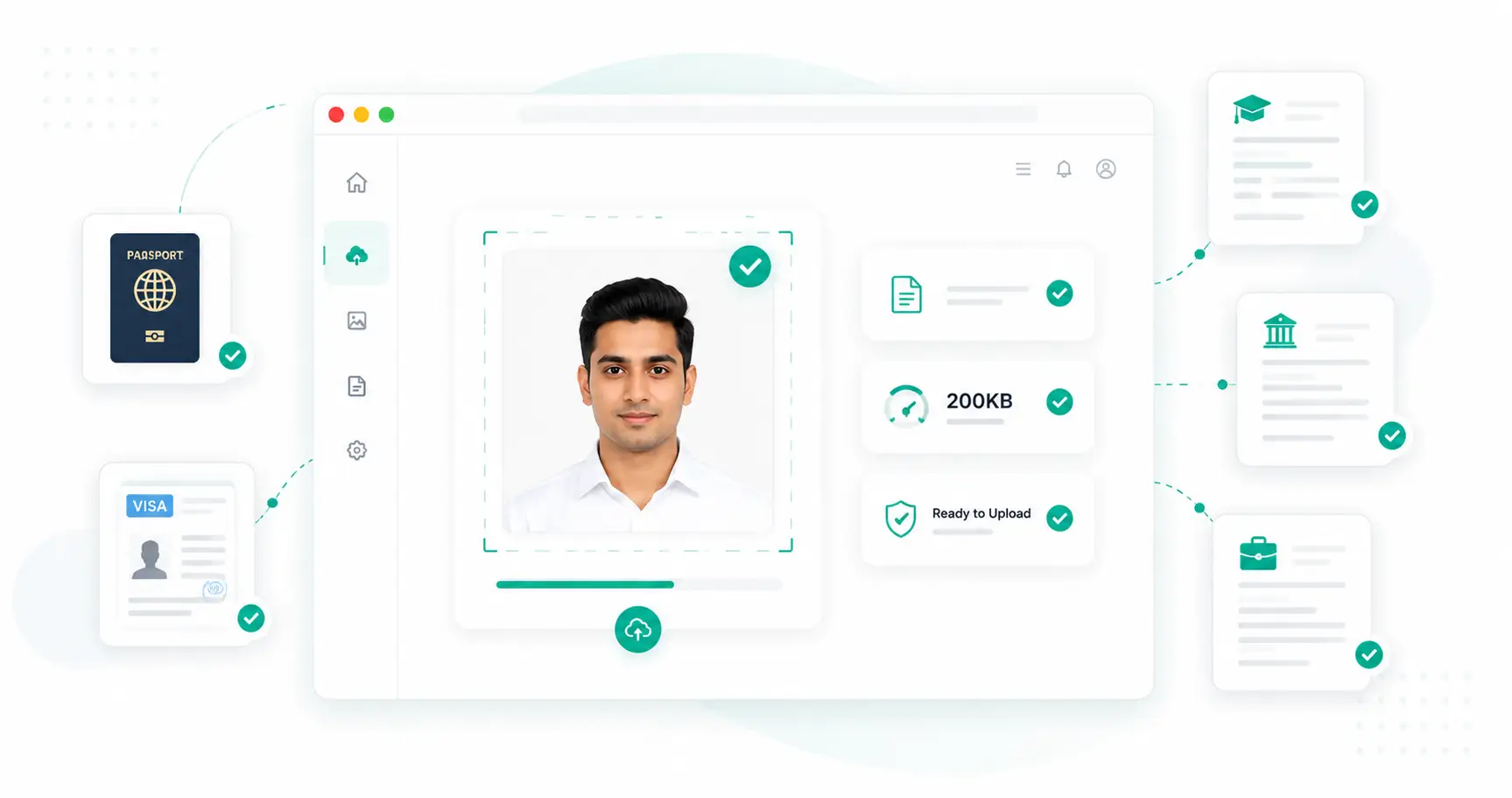
A complete reference for photo requirements across passport, visa, college admission and job portals — sizes, dimensions, formats and common upload errors.
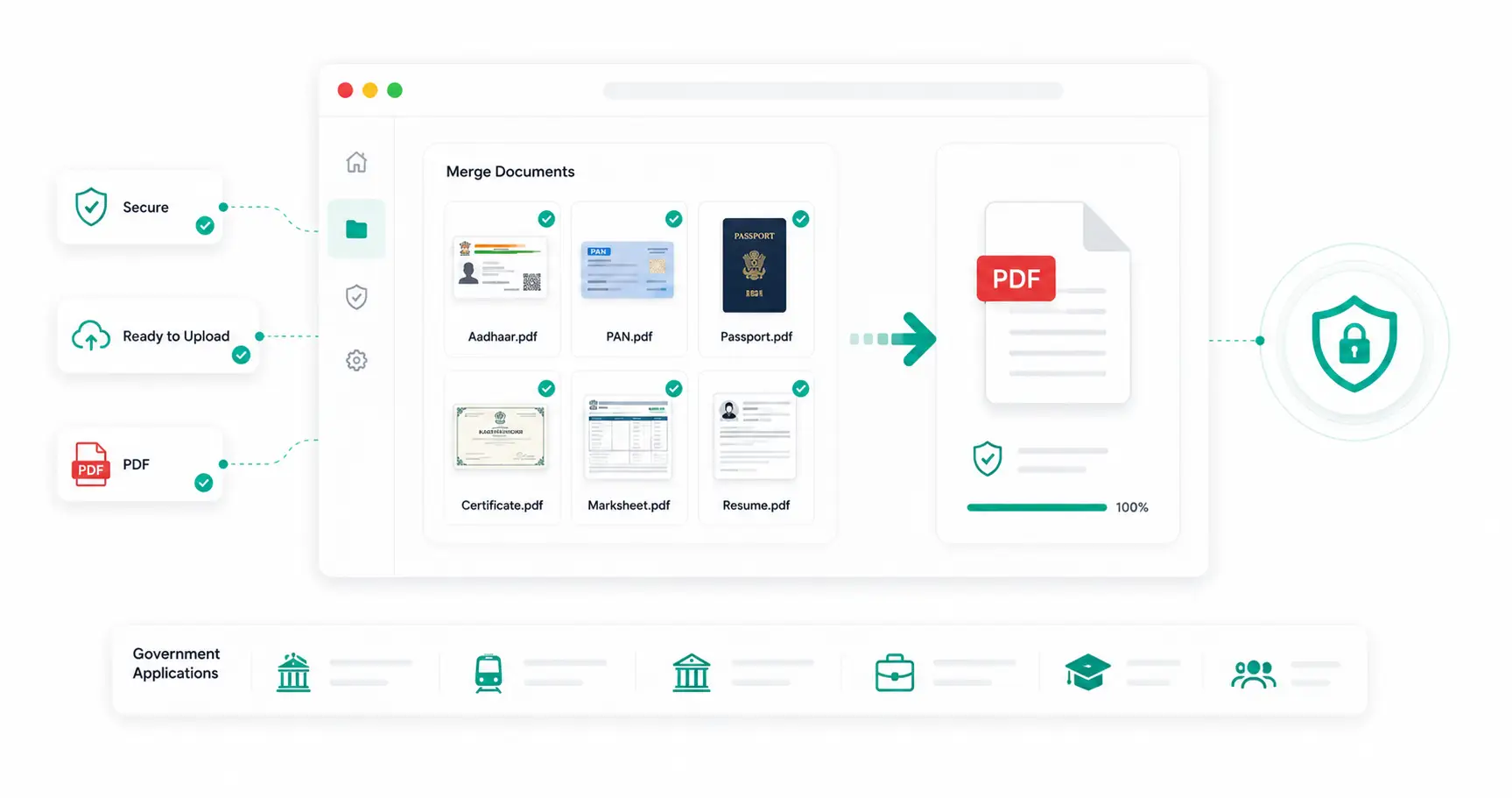
How to organize and combine Aadhaar, PAN, Passport, certificates, marksheets and resumes into a single PDF for government, scholarship and admission applications.
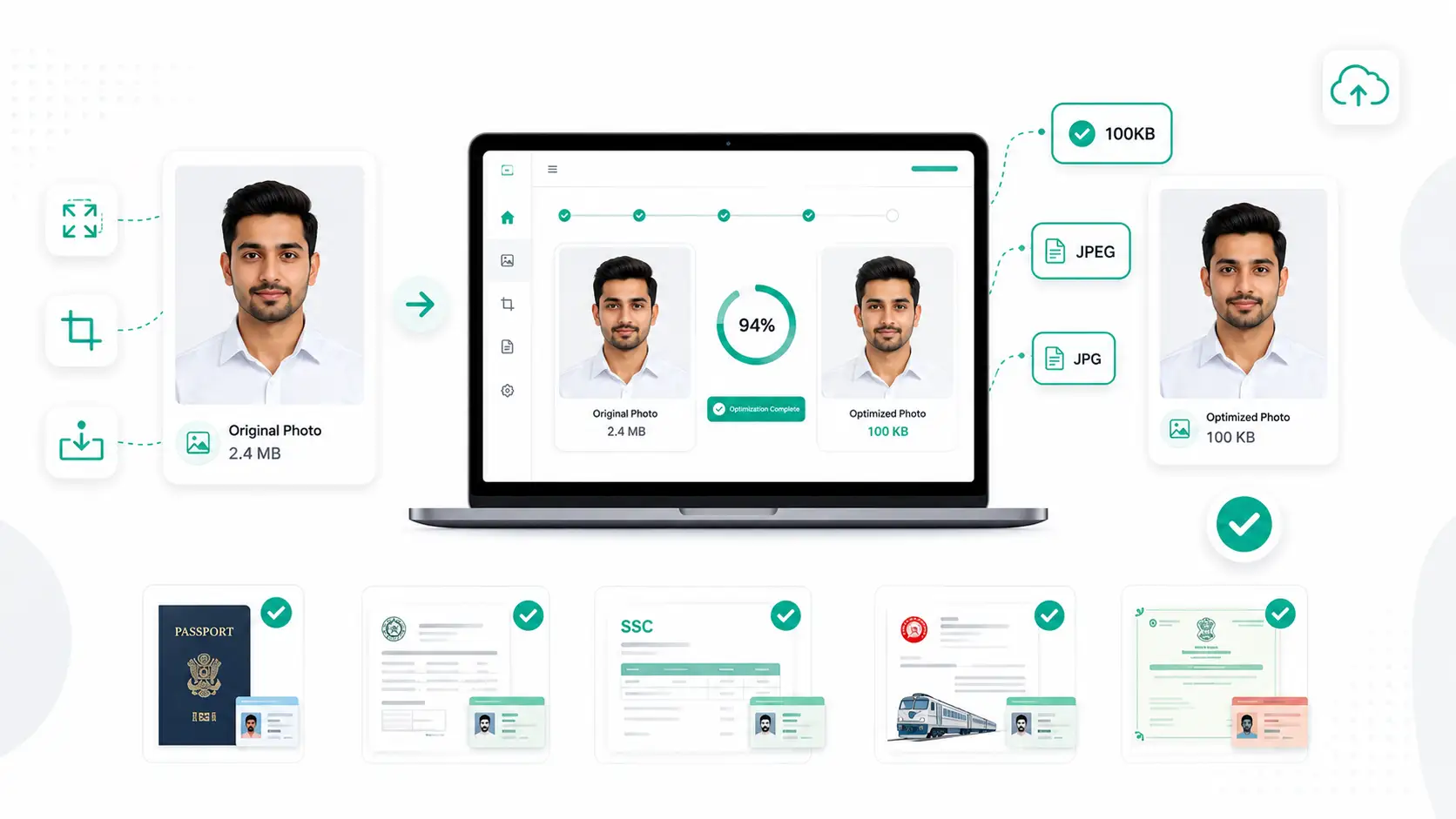
Why UPSC, university admissions and job portals ask for photos under 100KB, recommended dimensions, common mistakes and how to prepare your image correctly.
Every day, millions of people need to resize a photo, shrink a PDF, count the words in an essay, or convert an image from one format to another — and most of them reach for the first "free online tool" that shows up in a search. WebAuzar was built to be that tool done right: a complete set of browser based tools that handle the most common image, PDF and text tasks without asking you to install software, create an account, or upload your files to an unknown server.
A good image compressor should do exactly one thing well: reduce file size while keeping the photo looking as close to the original as possible. WebAuzar's compress image tool lets you either pick a quality percentage or set an exact target size in kilobytes — the second option is especially useful for government portals and exam forms that reject photos over a strict limit. Because the compression runs inside your browser using the Canvas API, there's no waiting for an upload, no server queue, and no risk of your photo sitting on someone else's storage after you're done.
Beyond compression, the toolkit covers the rest of the everyday image workflow. The resize image tool changes dimensions by exact pixels or by percentage, which makes it simple to produce a passport-size photo or match a social media platform's required dimensions. The crop image tool supports custom aspect ratios for ID photos, thumbnails, and banners. And for format conversion, WebAuzar covers every common pairing — JPG to PNG, PNG to JPG, JPG to WebP, PNG to WebP, WebP to JPG, WebP to PNG, AVIF to JPG/PNG, HEIC to JPG, SVG to PNG, and PNG to ICO.
PDF files are the default format for forms, invoices, reports, and contracts, but working with them usually means reaching for expensive desktop software. WebAuzar's PDF tools cover the tasks people need most: merge combines multiple documents in the order you choose, split separates a document into individual pages or ranges, protect and unlock manage password security, remove pages and reorder pages give you full control over page structure, PDF to Word converts a document into an editable file, and extract images scans a document and pulls out every embedded photo or graphic in its original quality.
Not every task involves a file. WebAuzar's text tools work directly on pasted text: the word counter gives a live count of words, characters, sentences and estimated reading time, which is useful for meeting essay or article length requirements. The diff checker highlights every difference between two versions of a text, handy for proofreading or reviewing edits. Case converter switches between uppercase, lowercase, Title Case, camelCase and snake_case in one click, text to slug turns a title into a clean URL-friendly string, remove duplicate lines cleans up lists or email addresses, and the Lorem Ipsum generator produces placeholder text for design mockups.
Indian government recruitment portals — SSC, UPSC, IBPS, Railways, and state PSCs — are notorious for strict photo and signature size requirements, often demanding a photo under 20KB or 50KB and a signature under 20KB. WebAuzar's target-KB compression mode was designed with exactly this use case in mind: upload a photo, enter the required size, and download a file that fits the limit without adjusting a quality slider by trial and error.
Every tool described above runs entirely on your device using JavaScript, not on a remote server. That means faster results, with no upload or download round-trip through a data center, and more privacy, since a file or piece of text that's never uploaded can never be stored, logged, or accessed by anyone else.
Yes — every tool on WebAuzar is 100% free with no hidden charges, no watermarks, and no daily limits. No account or signup is required.
Open the Compress Image tool, upload your photo, and set a target size in KB. The tool automatically adjusts quality to reach your target — ideal for UPSC, SSC, bank, and government form uploads.
Your files and text never leave your device. All processing happens locally in your browser. We do not upload, store, or access anything you work with.
Yes. All tools work on Android and iPhone browsers — no app download needed. The interface is fully responsive.
JPG is best for photographs with small file sizes. PNG preserves transparency and is best for logos. WebP is 25–35% smaller than JPG at the same quality — ideal for websites and blogs.
Yes. The Compress Image tool supports bulk uploads. Process multiple images and download them all as a ZIP file.
Open the WebP to JPG tool, upload your WebP file, and click Convert. Your JPG downloads instantly — no settings needed.
WebAuzar supports JPG, JPEG, PNG, WebP, AVIF, HEIC and SVG for image tools. PDF tools support standard PDF files up to 50MB.
No. Every tool works instantly without signing up, logging in, or providing an email address.
Open the Resize Image tool, upload your photo, and enter the required dimensions (e.g. 3.5×4.5cm or the pixel size your form requests). Download the resized photo instantly.
Yes. Open the Merge PDF tool, upload your PDF files in the order you want them combined, and download the single merged document.
Yes. Open the Split PDF tool, upload your document, and choose to extract individual pages or page ranges into separate PDF files.
Yes. The Extract Images tool scans your PDF and pulls out every embedded photo, graphic or logo in its original quality, ready to download individually or as a ZIP.
No, by default compression only reduces file size while keeping the original width and height. Use the Resize Image tool separately if you also need to change dimensions.
No. Every output file — image, PDF or text — is delivered exactly as processed, with no WebAuzar branding or watermark added.
No. There are no daily limits, usage caps or premium tiers. Use any tool as many times as you need, for free.
Browser-based tools need no installation, work across Windows, Mac, Linux, Android and iOS, and keep your files and text private since nothing is uploaded to a server.
Yes. The Add Watermark tool lets you overlay custom text or a logo image, with control over opacity, position, rotation and tiling.
Most Indian government portals (SSC, UPSC, IBPS, Railways) require photos between 20KB–50KB and signatures under 20KB. The Compress Image tool lets you target an exact KB size.
Yes. Converting images to WebP, compressing product photos, and resizing banners are common ways businesses and bloggers use WebAuzar to speed up their websites and improve SEO.
Yes. The Protect PDF tool adds a password to secure your document, and the Unlock PDF tool removes a known password from a PDF you have access to.
Yes. The PDF to Word tool converts your PDF into a fully editable .docx file you can open directly in Microsoft Word or Google Docs.
Yes. Use Remove Pages from PDF to delete unwanted pages, or Reorder PDF Pages to drag and drop pages into a new order — both without any desktop software.
Yes. The Word Counter tool gives you a live count of words, characters, sentences, paragraphs and estimated reading time as you type or paste text.
Yes. The Text Diff Checker highlights every difference between two texts side-by-side, which is useful for proofreading, editing and reviewing code changes.
Yes. The Text to Slug tool turns any title into a clean, lowercase, hyphenated slug suitable for URLs, filenames or IDs.
Compress, resize, convert and edit images, PDFs and text — no signup required, completely free, and 100% browser-based.