
Loading...
Loading...
Compress, resize, convert and edit your files online — 100% free, no signup required.
Popular tools:
14 professional image tools. All free and secure.
Convert JPG images to PNG format with transparency
Convert PNG images to JPG format
Convert JPG to WebP for smaller file sizes
Convert PNG to WebP while preserving transparency
Convert WebP images to JPG format
Convert WebP to PNG for maximum compatibility
Reduce image file size while maintaining quality
Change image dimensions by pixels or percentage
Crop images with custom aspect ratios
Convert images to PDF documents
Rotate images clockwise or counterclockwise
Flip images horizontally or vertically
Add text or image watermarks to photos
Add borders and frames to images
4 essential PDF tools. Merge, split, compress and convert.
Professional-grade tools with consumer-friendly simplicity.
Your images are processed locally in your browser. We never upload or store your files.
Access from any device, any browser. No downloads or installations needed.
Process multiple images and download as ZIP files for convenience.
Learn how to get the most out of our tools with these helpful articles.
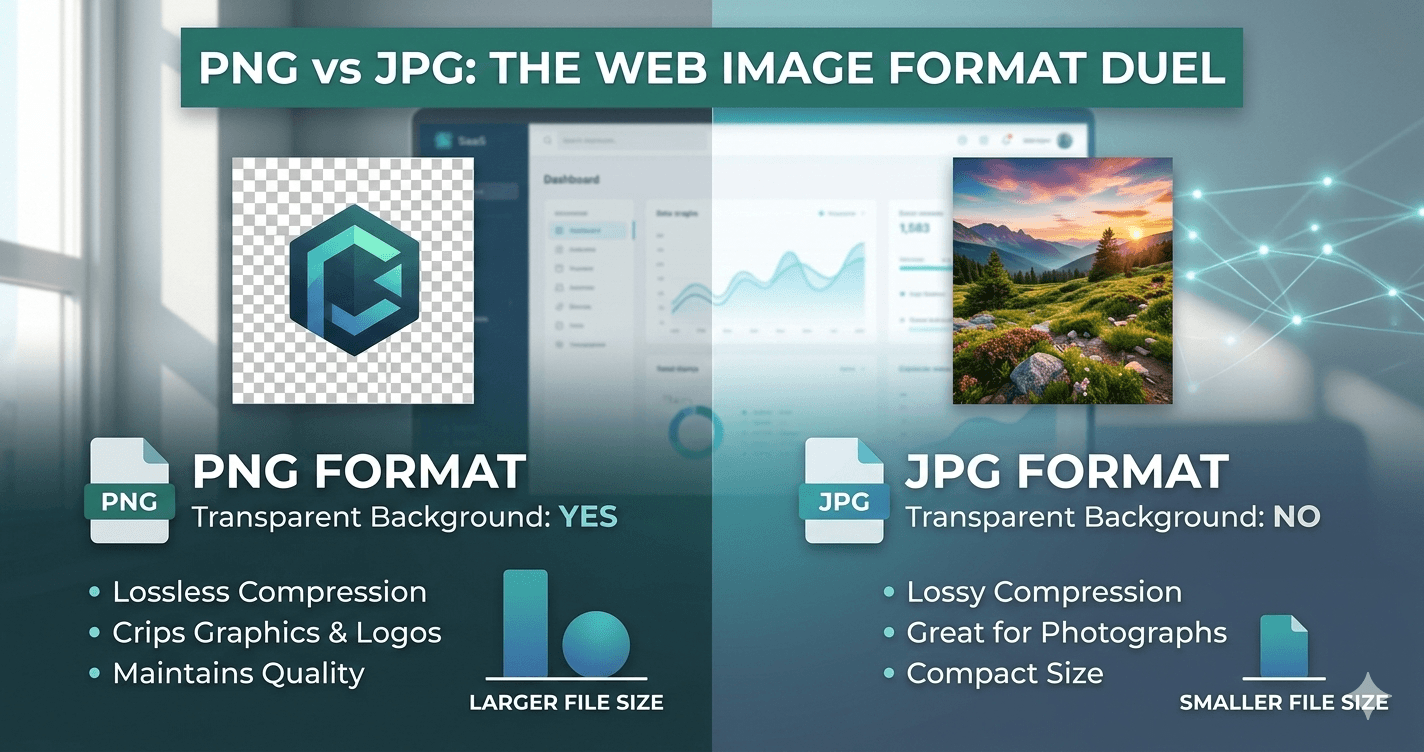
Compare PNG and JPG formats to choose the best one for web performance, quality, and SEO.
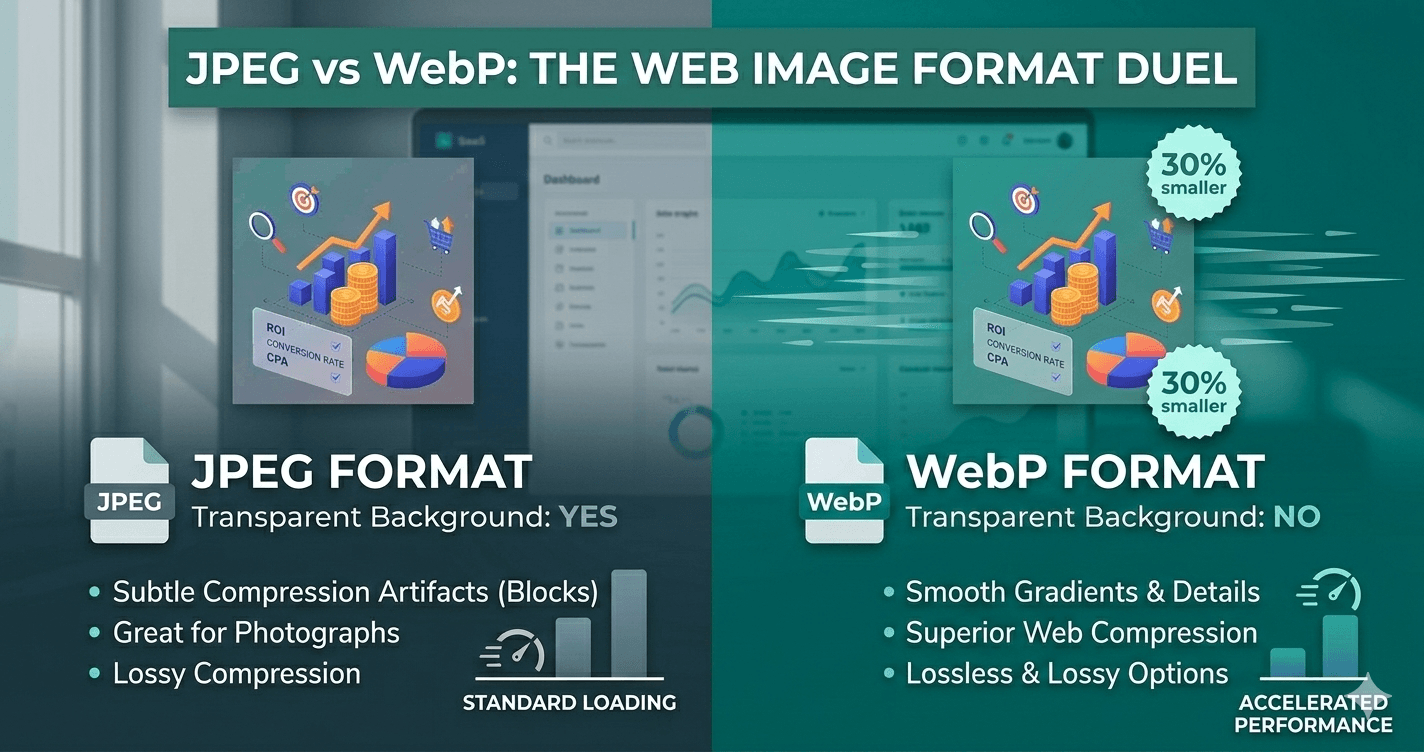
Discover why WebP is better than JPEG for web performance with 30% smaller files and better quality.
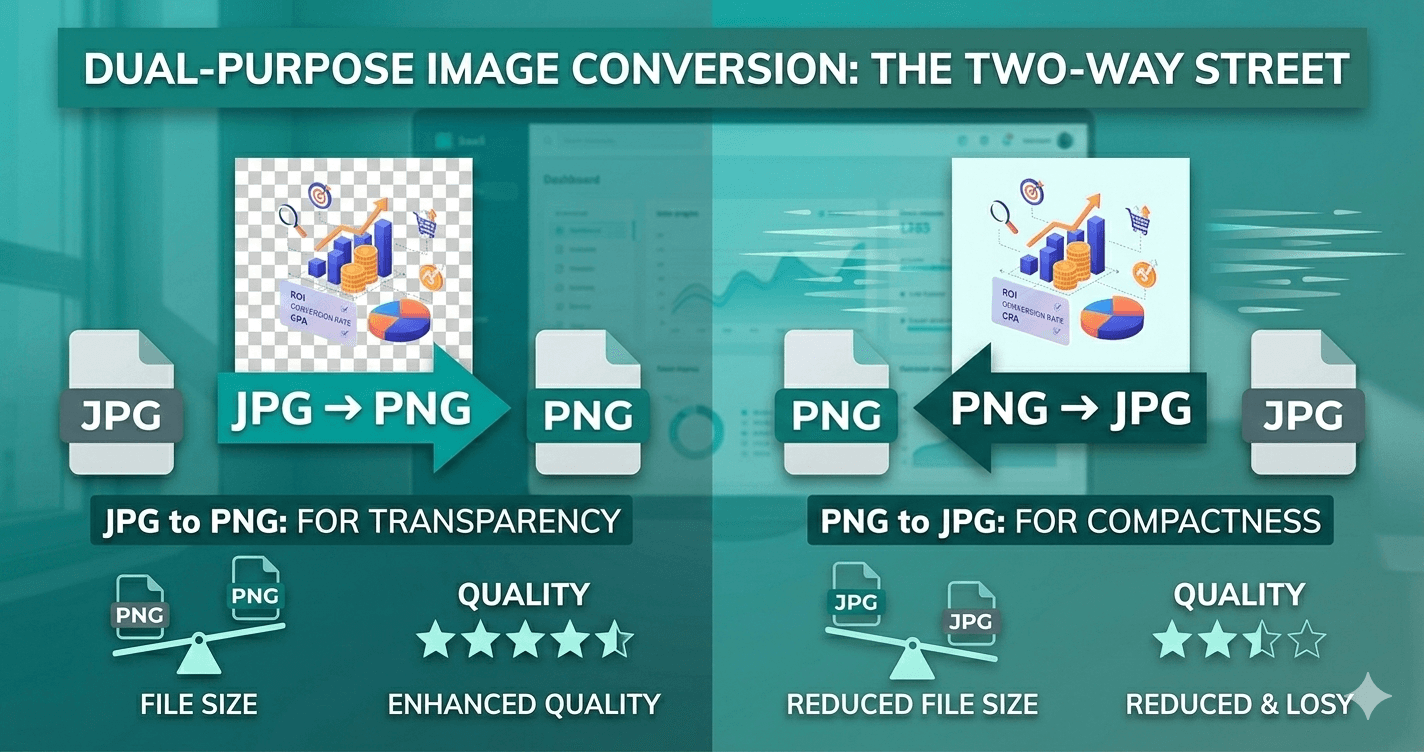
Learn when to convert JPG to PNG and vice versa. Understand the trade-offs between file size, quality, and transparency.
images processed today. No signup required, completely free, and secure.